

x2y Devs Pad
Version 2.0.0
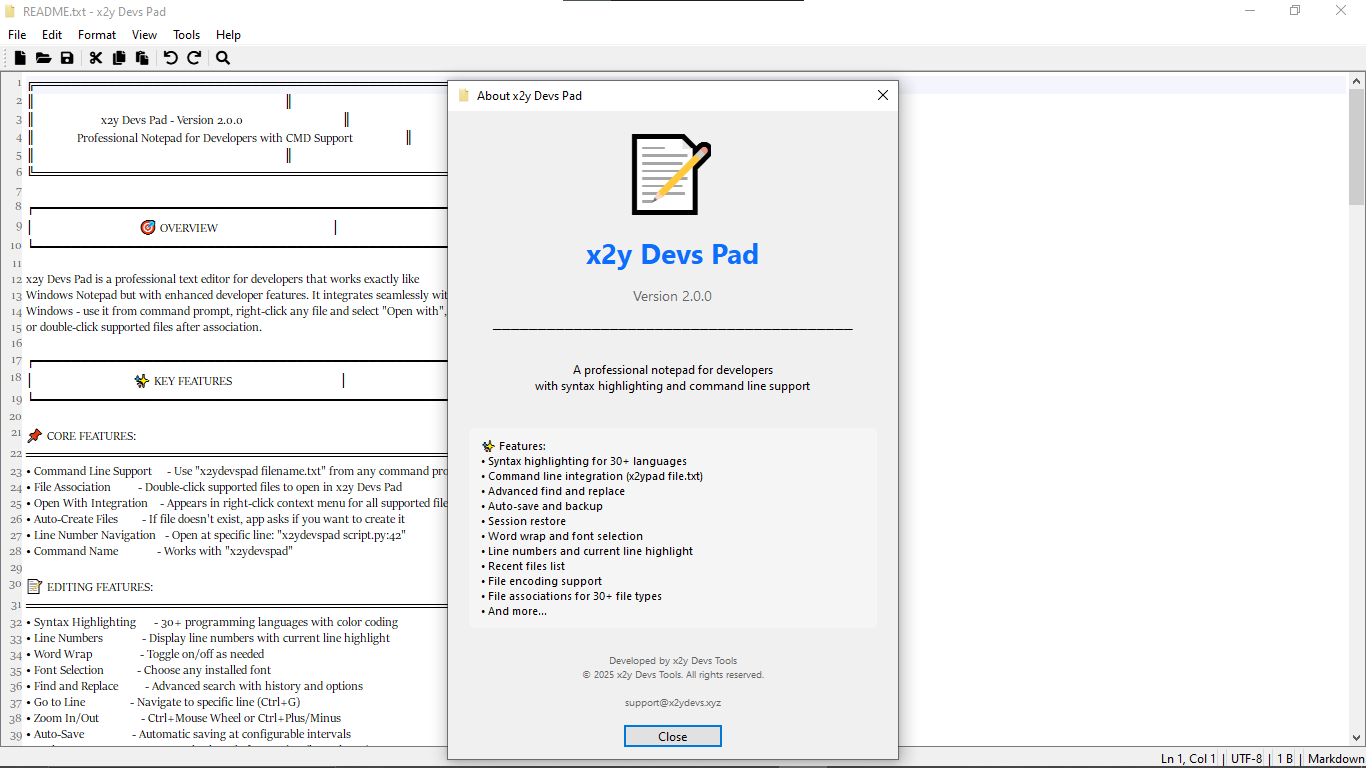
A professional text editor for developers, combining the simplicity of Windows Notepad with powerful tools for coding, scripting, and managing text files. Supports command-line usage, file associations, syntax highlighting, and advanced editing features.

Key Features
30+ Languages
Syntax highlighting for all major languages
Command Line
Open files directly from terminal
Line Navigation
Jump to specific lines instantly
Auto-Save
Never lose your work with backups
Screenshots
Supported Languages
Syntax highlighting for all major programming languages and file formats
...and Plain Text, Log files, Git files, Docker, Environment files, and more!
Core Features
- Command Line Support: x2ydevspad filename.txt
- File Association: Double-click supported files
- Open With Integration: Appears in right-click menu
- Auto-Create Files: Prompts to create missing files
- Line Number Navigation: Open at specific line (e.g., script.py:42)
Editing Features
- Syntax Highlighting (30+ languages)
- Line Numbers with current line highlight
- Word Wrap toggle
- Font Selection
- Find and Replace with history
- Go to Line (Ctrl+G)
- Zoom In/Out (Ctrl+Mouse Wheel)
- Auto-Save and Backup System (keeps last 5)
How It Works
Open Any File
Use command line, double-click, or right-click menu
Edit With Power
Syntax highlighting, find & replace, zoom controls
Save Securely
Auto-save with backup system keeps last 5 versions
Ready to Upgrade Your Text Editor?
Download x2y Devs Pad for free and experience the perfect balance of simplicity and power.